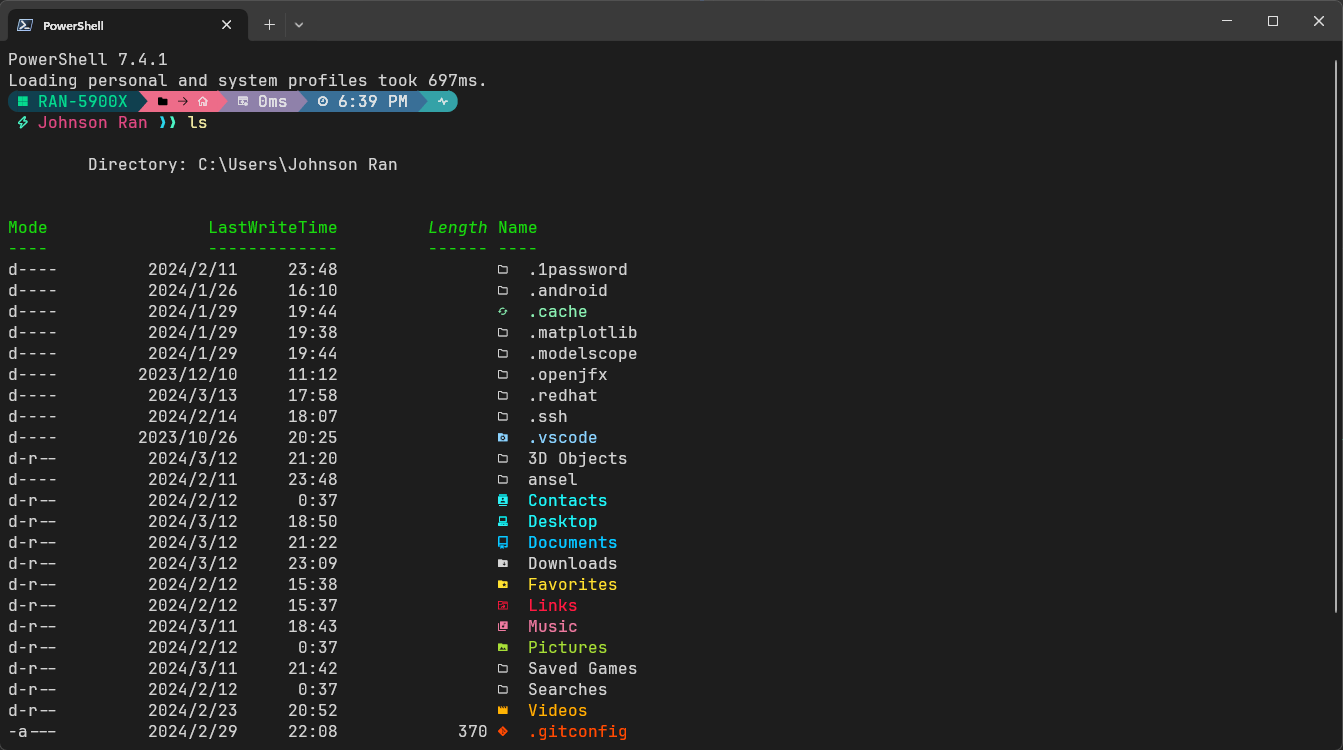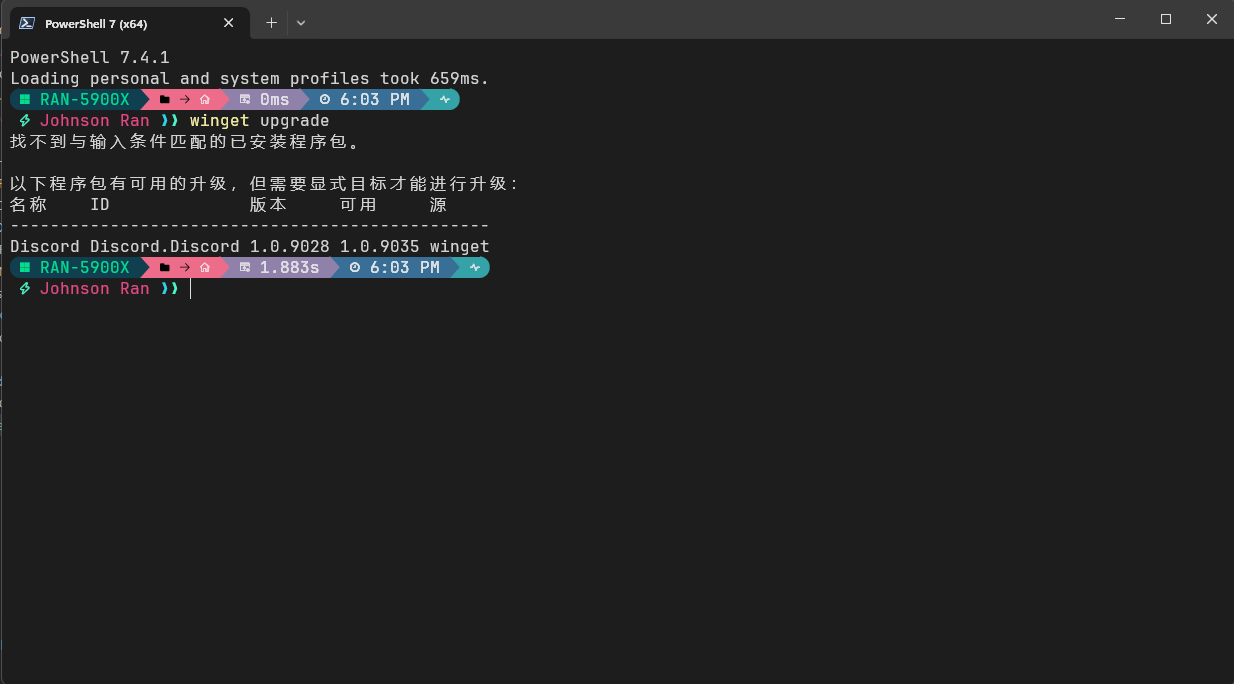
安装依赖?
先从此处下载 PowerShell 7
$winget install JanDeDobbeleer.OhMyPosh gerardog.gsudo$Install-Module -Name Terminal-Icons -Repository PSGallery重新打开 Windows Terminal 输入:
$sudo oh-my-posh font install我使用的是 JetBrainsMono
调整配置文件
打开 pwsh 配置文件
$code $PROFILE我安装了 VSCode CLI,未安装可以使用 notepad $PROFILE 打开
在文件首行添加
oh-my-posh init pwsh --config $env:POSH_THEMES_PATH\montys.omp.json | Invoke-Expression
Import-Module -Name Terminal-Icons
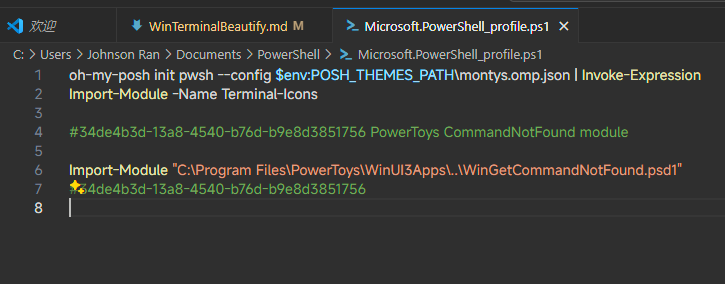
完成上方操作后
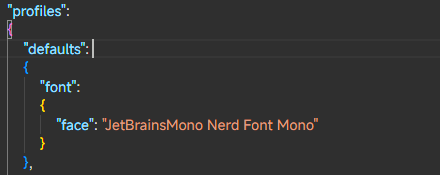
- 在 Windows Terminal 设置的左下角点击打开 JSON 文件,或者直接使用组合键 (Ctrl + Shift +:key{text=","}) 打开 setttings.json
- 在
defaults字段中添加字体配置。
{
  "font": {
    "face": "JetBrainsMono Nerd Font Mono"
  }
}
效果展示